photography / THE ART OF GIVING
Digital photo frames for everyday family moments
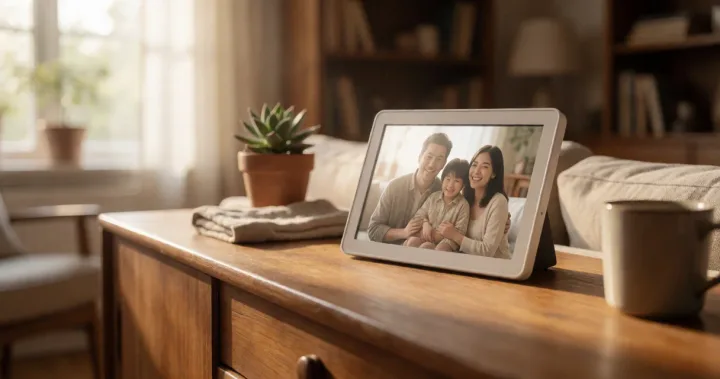
A place for favourite photographs to return to, with frames that bring family moments into her everyday surroundings.
Explore the editSome photographs deserve a life beyond the phone. A digital frame can bring a changing selection to her desk or sitting room, with different ways for family and friends to contribute. These five options range from a 10 inch display to a larger 15.6 inch screen. Choose around where she will place it and how she prefers to add pictures.
As an Amazon Associate we earn from qualifying purchases.
CHOSEN WITH HER IN MIND
The gift edit
05 thoughtful finds
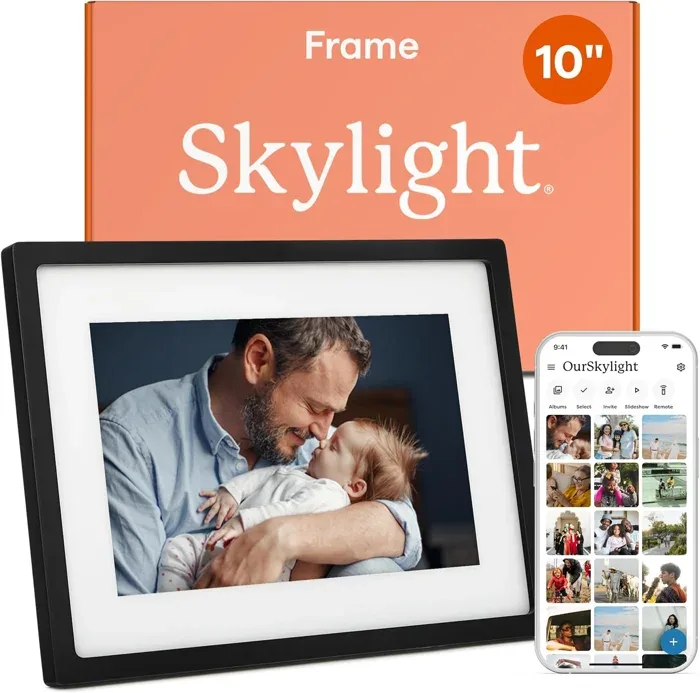
01for a sitting room sideboard fed by far-flung family
Skylight 10-Inch Touch Screen Digital Picture Frame
For someone whose family would enjoy sending new photographs to a dedicated frame email address.
A 10 inch touchscreen displays the pictures shared to its dedicated email address. Skylight describes Gift Mode for preparing photos before unboxing, plus offline viewing for pictures already received.
Check home WiFi, current service terms and supported sharing features before preparing the gift.
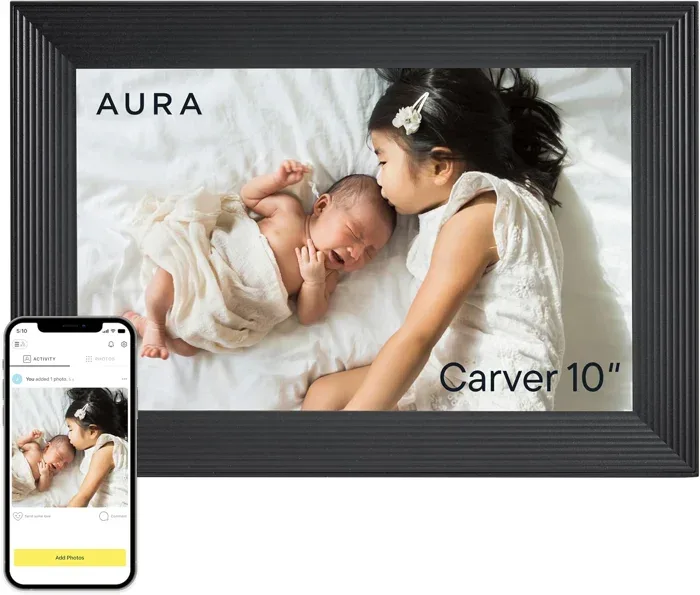
02for a kitchen counter refreshed daily by family contributors
Aura Carver 10-Inch HD Digital Picture Frame Black
For someone who would enjoy a changing display with contributions from family and friends.
Aura describes inviting contributors through its app and other supported channels. The Carver includes portrait pairing, adjustable slideshow speed and automatic brightness, giving her several ways to arrange a changing selection.
Check current account and service requirements. The supplied details limit video clips to 30 seconds.
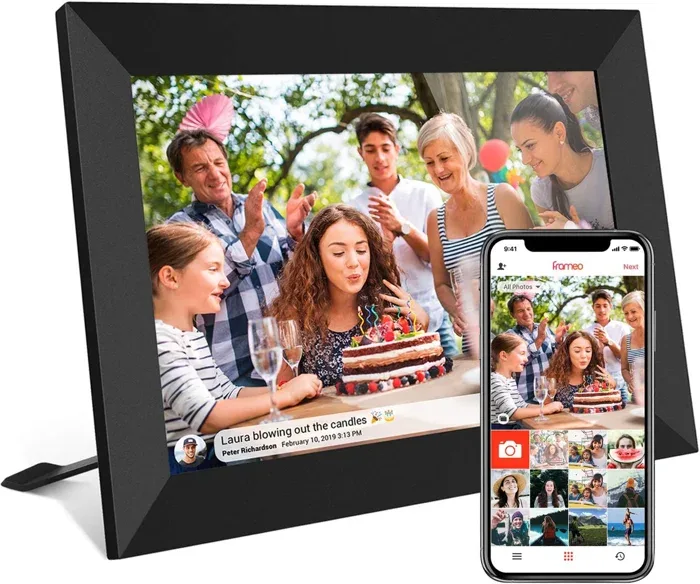
03for a desk with a changing photo display
Akimart Frameo 10.1-Inch 32GB Smart WiFi Digital Photo Frame
For someone who enjoys organising photographs into albums and showing several moments together.
The 10.1 inch 1280 by 800 touchscreen has 32GB of internal memory and automatic rotation. Frameo sharing, collage layouts and photo reactions offer different ways to enjoy the pictures as they arrive.
App videos are described as limited to 15 seconds. Confirm card compatibility and any calendar account permissions before setup.
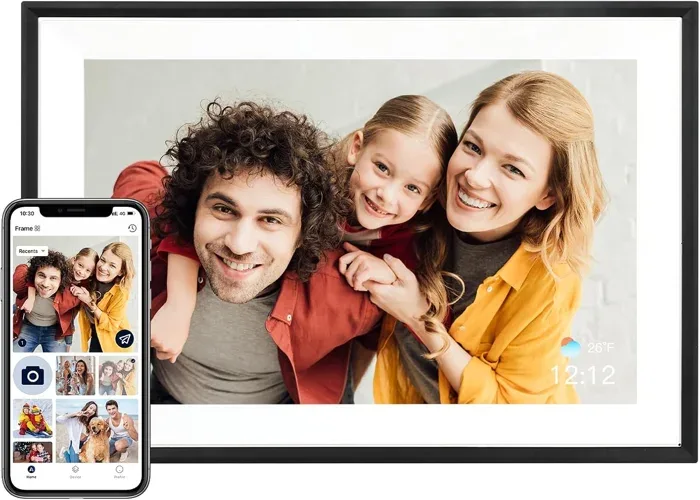
04for a bedroom shelf with a mix of portrait and landscape shots
AEEZO AiMOR 10.1-Inch 32GB Smart Digital Picture Frame Black
Someone who prefers a frame that handles portrait and landscape photos automatically without any manual adjustment.
A 10.1 inch touchscreen pairs 32GB of internal memory with automatic orientation and a light sensor. Family members can receive upload access through the AiMOR app, with optional time and weather on the display.
SD card files must be imported into the frame before playing. Confirm the app works with her phone.
05for a living room media unit viewed from across the room
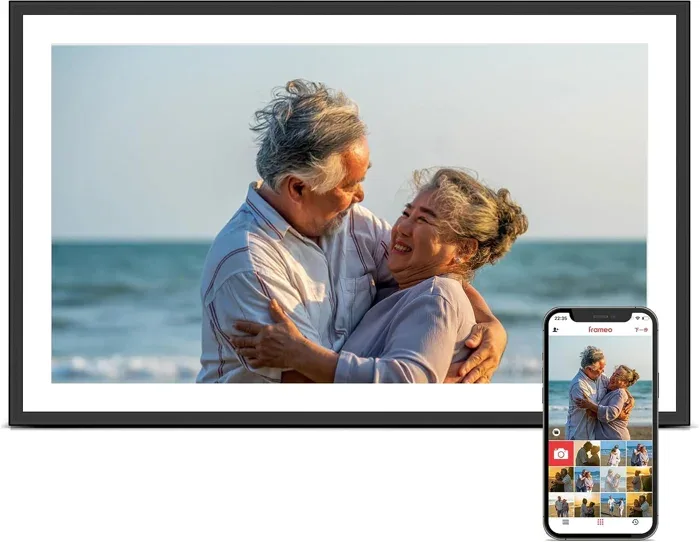
Pastigio Frameo 15.6-Inch FHD WiFi Digital Picture Frame
Someone who wants a large-screen display for a living room or open-plan space where photos are enjoyed from a distance.
The 15.6 inch 1920 by 1080 display is paired with 32GB of internal memory. Pastigio describes photo loading through Frameo, a full size SD card or a FAT32 USB drive.
Direct computer transfer is described for Windows via USB C. Confirm external storage formats and capacities before choosing accessories.
How to choose
Adding new photographs
Start with how she and her family prefer to share pictures. Email, companion apps and removable storage involve different steps. Check phone compatibility, account requirements and the home WiFi setup before choosing, and offer to help with the first upload if she would like that.
Storage and service
Check the current service terms for storage, video and additional features on the exact frame. Built in memory and removable cards work differently across models. A card slot may be for importing files rather than playing them directly.
A place to display
Measure the intended surface and compare the full frame dimensions, including its stand. Screen diagonal alone does not tell you the footprint. Consider her usual viewing position, access to power, and whether she prefers a portrait or landscape arrangement.
Make it personal
Choose a few photographs with stories behind them: a shared holiday, an ordinary afternoon, a moment she might have forgotten. Where the frame supports advance gifting setup, prepare those first pictures and include a note explaining why you chose them.
A few useful details
Can a frame show photographs without WiFi?
Skylight describes an offline mode for existing photos, with WiFi needed for new uploads. Pastigio describes local loading by full size SD card or a FAT32 USB drive. Confirm the exact setup and playback requirements before choosing a frame for use without a home connection.
Can several people contribute pictures?
Aura describes inviting family and friends to share, while AEEZO allows upload access through the AiMOR app. The Frameo models also describe remote sharing. Confirm contributor permissions and account requirements for the chosen model so everyone knows how their pictures will reach the frame.
Will an SD card play directly?
That varies. AEEZO says card files must first be imported into internal storage. Pastigio describes using an SD card or USB drive as external storage, as well as transfer from a Windows computer. Check format and capacity support against the card or drive you plan to use.